
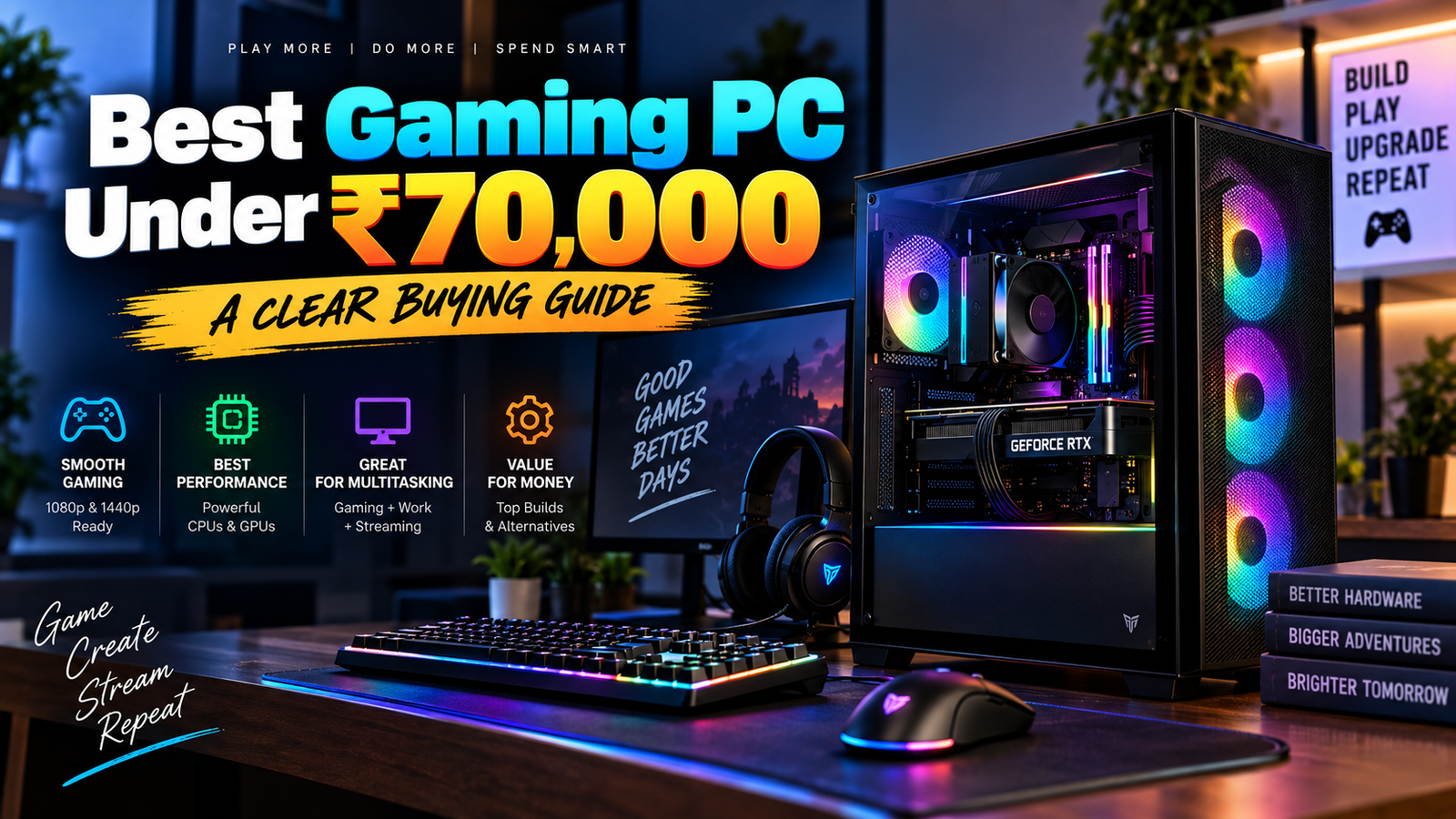
A best gaming PC under ₹70000 is not about chasing the biggest number on a parts box. It is about building a machine that stays fast where it matters most, runs games smoothly at 1080p, and leaves room for sensible upgrades later.
What “best gaming PC under ₹70000” actually means
At this budget, “best” means balanced. You are not buying a dream rig that maxes out every new release with every slider pinned to ultra, and that is fine. What you want is a PC that gives you strong frame rates in the games you actually play, stays cool, and does not feel outdated the moment you install a new title.
Think of it like buying a car for city driving. You do not need a track car with wild horsepower. You need something that starts every morning, handles traffic cleanly, and does not fall apart when you take it on a longer trip.
What you can expect at this price
Under ₹70000, 1080p gaming is the sweet spot. Esports titles like Valorant, Counter-Strike, Dota 2, and Rocket League should run very well, often at high refresh rates if the rest of the build is sensible. Many modern games are playable too, though you will usually aim for medium to high settings rather than maxed-out visuals.
That is the honest expectation. You are buying smooth gameplay, not bragging rights. In a lot of cases, that is the smarter purchase anyway, because a stable 60 to 100 fps experience feels better than a flashy rig that stutters every time a map gets busy.
Gaming PC vs gaming laptop
A desktop usually gives you more for your money. You get better cooling, easier upgrades, and far more freedom to swap parts later. A gaming laptop at the same price often packs in a weaker GPU, a hotter chassis, and less room to improve over time.
That matters more than it sounds. A desktop can grow with you. A laptop is mostly a finished product from day one, which sounds convenient until one part feels slow and you realize the whole machine is locked in place.
The parts that matter most in a gaming PC
A gaming PC is a team sport, but one player does most of the scoring. If you understand which parts actually move game performance, you will avoid wasting money on shiny extras that look nice in photos and do almost nothing in play.
Graphics card: where most of your gaming power comes from
The GPU, or graphics processing unit, does the heavy lifting in most games. It draws the images, handles visual effects, and has the biggest impact on frame rate. If your goal is smooth gameplay, this is the part to prioritize first.
Here is the trick: a stronger graphics card usually matters more than a prettier case or a fancy liquid cooler. Within ₹70000, that means you should chase the best GPU you can fit comfortably into the build, then shape the rest of the system around it. A well-chosen graphics card can carry a budget gaming PC much farther than a “premium” setup with a weak one.
Processor: keeping the game running smoothly
The CPU, or processor, handles game logic, background tasks, and everything that happens outside the pure graphics workload. It keeps the game responsive, especially in crowded scenes, open-world titles, and competitive matches where frame consistency matters as much as peak fps.
You do not need to overspend here. A very expensive CPU paired with a weak GPU is a classic budget mistake. Instead, aim for a processor that keeps up without swallowing money you should have spent on graphics. The balance is the whole point.
RAM and storage: speed, comfort, and load times
For most gaming builds, 16GB of RAM is the sweet spot. Less than that can start to feel cramped once you have a game open, a browser tab or two in the background, and maybe Discord running. More than 16GB is nice if you stream or edit, but for pure gaming, it is not the first place to spend extra.
Storage matters too, and SSDs make a huge difference in how a PC feels. A solid-state drive cuts load times and makes Windows feel snappier from the moment you press the power button. Game sizes keep growing, so a small drive fills up fast. In practical terms, 1TB is a far safer starting point than 512GB if you keep several modern games installed.
Motherboard, power supply, and case
These parts do not get the headlines, but they keep the whole system alive. The motherboard connects everything, the power supply feeds it, and the case keeps air moving through the system. If any one of these is cheap in the wrong way, the whole build suffers.
A weak PSU can cause instability, limit upgrades, or create problems you would rather never troubleshoot at midnight. The case matters too, mostly for airflow and fit. A pretty box with poor ventilation is still a hot box.
Best build balance for ₹70000
The best gaming PC under ₹70000 comes from balance, not obsession. You want enough money going to the GPU to make games feel fast, enough CPU to avoid bottlenecks, and enough quality in the support parts that the machine still feels good a year from now.
The smart budget split
A practical split looks something like this: around half the budget for the GPU and CPU combined, with the GPU taking the larger share. Then set aside a fair chunk for the motherboard, RAM, SSD, PSU, and case. That rough shape keeps performance grounded and avoids the common trap of buying a powerful-looking PC that is held back by one cheap part.
Do not pour money into one part just because its spec sheet looks impressive. A strong CPU paired with a modest GPU can leave performance on the table. A top-tier GPU with a bargain-bin PSU is just asking for trouble. Balance wins.
What to prioritize first
Start with the graphics card. If gaming is the main job, the GPU should get the biggest slice of the pie. After that, choose a CPU that is good enough to keep up, then lock in 16GB RAM, a decent SSD, and a reliable power supply.
Cosmetics come last. RGB looks fun, but frame rates are what you actually feel. Nobody sits in front of a monitor and admires a case fan when a game loads in half the time.
Where you can save without regret
You can save money on flashy case lighting, oversized cases, and premium motherboard features you will never use. A basic but well-ventilated case does the job. So does a motherboard with the right sockets and slots, even if it does not have every extra feature under the sun.
That said, do not get cheap in the wrong places. Saving ₹1,000 on the PSU can cost you far more later. Saving on the case is usually fine. Saving on airflow and power delivery is not.
Example gaming PC builds under ₹70000
A good budget build is not one exact formula, because prices move around. Still, the best examples all follow the same logic: spend hard on the GPU, keep the CPU sensible, and protect the build with quality supporting parts.
Best all-round 1080p gaming build
This is the safest choice if you want a PC that handles everyday gaming without drama. Pair a mid-range current-gen GPU with a capable 6-core CPU, 16GB of DDR4 or DDR5 RAM depending on platform pricing, a 1TB NVMe SSD, and a reputable 550W to 650W PSU.
That kind of build is the workhorse. It should handle Valorant, GTA V, Apex Legends, Fortnite, and similar games comfortably at 1080p, while still giving you a decent experience in newer single-player titles. It is not the flashiest setup on paper, but it is the one most people end up liking six months later.
Best value build if you want more GPU power
If frame rate matters more than anything else, shift more money into the graphics card and accept a slightly simpler CPU. That trade-off makes sense for pure gaming because the GPU usually carries the heavier load.
This path works especially well if you mostly play competitive titles or if you want stronger performance in demanding games at 1080p. The CPU still needs to be respectable, but it does not need to be the star of the show. The star is the card doing the rendering.
Best upgrade-friendly build
If you plan to keep the PC for years, choose a platform that leaves room to grow. That means a motherboard with decent expansion support, a PSU with enough headroom, and a case that can fit a larger graphics card later without turning into a headache.
This build style is for patience. You might not max out the budget on every part today, but you will thank yourself later when you want a faster GPU, more storage, or a CPU swap without replacing half the machine. Long-term flexibility is worth real money.
How to choose the right gaming PC for your needs
The right build is not just “best on paper.” It is the one that fits your actual habits, because a PC that matches your games and workload will feel better than a random spec sheet ever could.
What games you play most
Esports games are forgiving. They love strong frame rates and do not demand the same GPU horsepower as big story-driven games. If your library is mostly competitive shooters and lighter titles, you can lean slightly harder on refresh rate and CPU responsiveness.
AAA games are a different story. Newer open-world and cinematic games can chew through GPU power fast, especially if you want prettier settings. If that is your lane, prioritize graphics first and treat the CPU as support, not the headline act.
Whether you also stream, edit, or multitask
Once streaming, video editing, or heavy multitasking enters the picture, the CPU matters more. So does RAM. A build that feels fine for gaming alone can start to feel tight once you add Chrome tabs, OBS, and a recording app all at once.
That does not mean you need a workstation. It just means you should avoid the bare minimum. A slightly stronger processor and 16GB of good RAM can make the whole system feel calmer, like a desk with enough space instead of one where everything is stacked in a mess.
New parts vs prebuilt PCs
Building your own PC usually gets you better value and more control. You pick the exact parts, decide where to spend, and avoid paying extra for corners you do not care about. A prebuilt PC is easier, though, and that convenience can be worth it if you do not want to manage compatibility or assembly.
The catch is simple: prebuilts sometimes hide weak PSUs, cramped cases, or lower-grade motherboards. A good prebuilt can still be a solid buy, but you need to look past the headline specs and check what is actually inside.
Mistakes to avoid when buying a gaming PC under ₹70000
A lot of bad budget builds fail in the same few places. Once you know the traps, they are easy to spot.
Overspending on looks instead of performance
RGB strips, glass panels, and fancy fan shapes are fun right up until they force you to buy a weaker GPU. If the choice is between prettier lighting and better frame rates, pick the frame rates.
That sounds obvious, but plenty of builds get this backward. The best-looking PC in the room is not much use if it struggles with the game you installed for the weekend.
Ignoring the power supply
The PSU is the part most people forget, and that is exactly why it deserves attention. A low-quality power supply can create instability, shutoffs, and upgrade limits that are annoying now and expensive later.
A reliable PSU is not glamorous. It just quietly does its job every day, which is exactly what you want from the thing feeding power to every other part.
Buying too little storage
Modern games are huge. One good-looking install can eat tens of gigabytes before you even add updates or DLC. A tiny SSD fills up quickly, and once that happens, the whole PC starts to feel crowded.
Give yourself room. It is a lot easier to live with a little extra storage than to juggle installs every weekend like you are running a tiny archive.
Final checks before you buy
Before you click buy, do one slow pass through the build. Most regrets happen because a part looked good in isolation but did not fit the rest of the system.
Check compatibility
Make sure the CPU matches the motherboard socket, the RAM type matches the board, the case fits the graphics card, and the PSU has the right connectors. None of this is exciting, but all of it matters.
Compatibility sounds technical until you treat it like fitting furniture into a room. If the sofa does not fit through the door, the sofa is not the problem. The measurement is.
Check upgrade path
A good budget build should not trap you. Look for a motherboard and PSU that leave some breathing room for a better GPU or more storage later. That way, your machine can grow instead of aging out all at once.
This is especially useful if you plan to keep the PC for several years. A little foresight now saves a lot of replacement cost later.
Check warranty and service support
Warranty coverage matters more on expensive parts like the GPU and PSU, because those are the parts you least want to replace on your own dime. Reliable service support also makes a difference if something arrives dead or fails early.
If a seller has a messy service process, that cheap price stops looking cheap very fast. Support is part of the product.
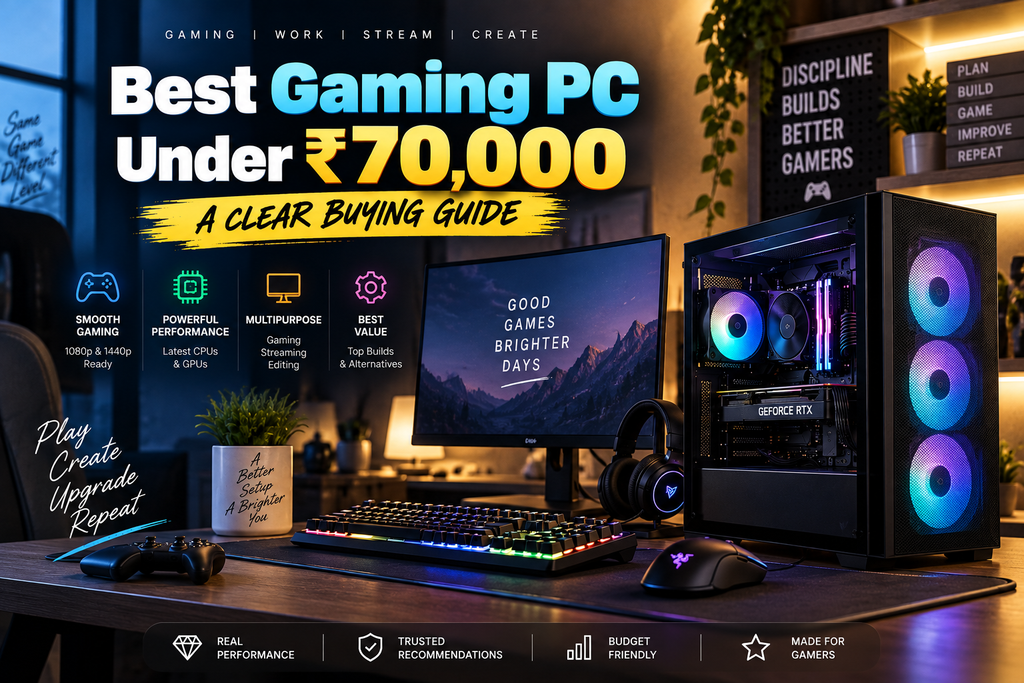
Quick verdict: what makes the best gaming PC under ₹70000
The best gaming PC under ₹70000 is a balanced 1080p machine with the GPU as the star, a sensible CPU as support, 16GB of RAM, fast SSD storage, and a trustworthy power supply. That combo gives you the most real-world gaming value without wasting money on parts that only look impressive.
One thing to try first
Start with the GPU, then build the rest of the system around it. Once that choice is right, everything else becomes much easier to line up, and you will end up with a PC that feels smart on day one and still makes sense later.
NVIDIA GeForce — GPU specifications and features
NVIDIA GeForceAMD Ryzen — processor specifications
AMD Ryzen ProcessorsIntel Core Processors — CPU specifications
Intel Core ProcessorsMicrosoft DirectX — gaming/graphics technology
Microsoft DirectXSteam — PC gaming platform
Steam
I hope this article is helpful for you, please share it on social media and MarketGuidely provides quality and informative and problem solving article/solution, Thank You
Author

marketguidely@gmail.com
Related Posts
Best AI Home Security Cameras in 2026: What to Know
- 0
- 2,459 words
MarketGuidely Technology Buying Guide Best AI Home Security Cameras in 2026: Features, Costs & Privacy Home security cameras have become more intelligent,...

AI Smart Home Devices in 2026: What to Buy & Avoid
- 0
- 2,455 words
Smart home technology is moving beyond simple voice commands and scheduled routines. Newer devices increasingly use artificial intelligence to interpret requests, connect...

How to Price Cleaning Services in 2026: Rates & Examples
- 0
- 2,816 words
Pricing a cleaning service sounds straightforward until you start adding up the hours, supplies, travel, insurance and time spent managing customers. A...
Why Is My Windows 11 Laptop So Slow? 10 Fixes
- 0
- 2,131 words
A slow laptop can turn even simple tasks into a frustrating experience. Windows may take too long to start, apps might freeze...
How to Fix Wi-Fi Keeps Disconnecting in Windows 11
- 1
- 2,246 words
When Windows 11 WiFi keeps disconnecting, even a simple task such as joining a video meeting, downloading a file, or watching a...
How to Fix Windows 11 Bluetooth Not Working: 10 Fixes
- 1
- 2,459 words
Windows 11 Bluetooth not working can prevent you from connecting wireless headphones, keyboards, mice, and other accessories to your PC. The problem...