
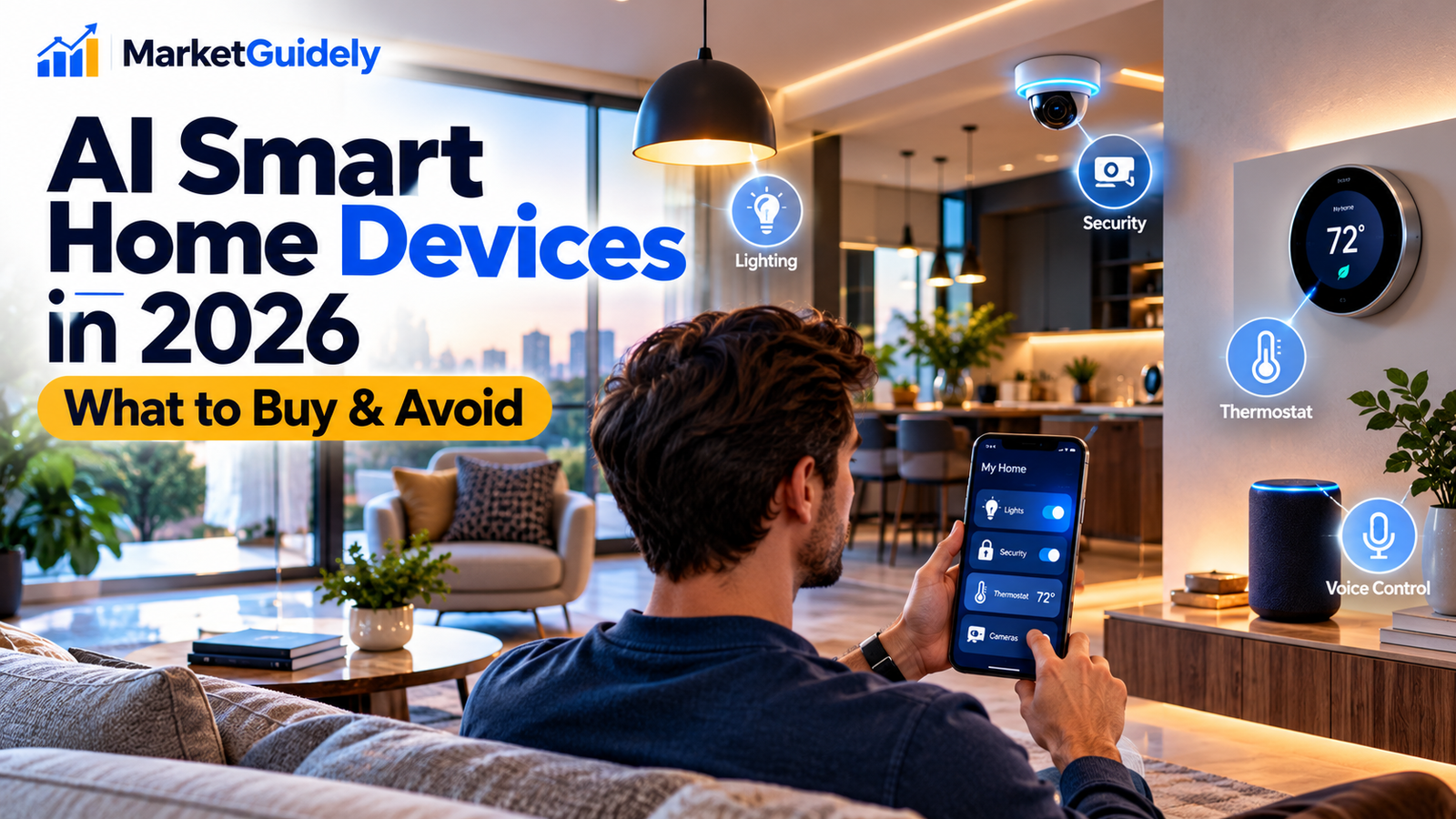
Smart home technology is moving beyond simple voice commands and scheduled routines. Newer devices increasingly use artificial intelligence to interpret requests, connect household systems and help people manage everyday tasks with less manual effort.
For homeowners, renters and technology enthusiasts in the United States, the important question is no longer just whether a device is smart. It is whether the device solves a genuine problem, works with existing equipment, protects personal information and offers enough value to justify its cost.
This guide explains how AI smart home devices work in 2026, what to consider before buying them, which features deserve attention and how to avoid spending money on technology you may not need.
THE SMART BUYER’S GUIDE
Are AI Smart Home Devices Worth Buying in 2026?
Are AI Smart Home Devices
Worth Buying in 2026?
Before investing in connected home technology, explore the possibilities,
understand the trade-offs, and discover what matters when choosing smart
home devices for your lifestyle.
Make Smarter Technology Decisions
Explore the topic visually, then use our buying checklist
to evaluate your options.
They can be worthwhile when they solve a specific problem, such as improving home security, simplifying lighting controls or reducing repetitive tasks. However, buying more connected devices does not automatically make a home smarter.
Our recommendation: Start with one useful problem, check compatibility and privacy, and expand only after the first device proves its value.
1. What Are AI Smart Home Devices?
AI smart home devices are connected products that use artificial intelligence or machine-learning features to interpret information, recognize patterns, respond to requests or help automate household activities.
Traditional smart devices often follow fixed instructions. For example, a smart plug may switch on at 7 p.m. every day. An AI-enabled system may offer more flexible interactions or use additional information to help coordinate actions across compatible devices.
The exact capabilities depend on the product. Some devices process information locally, while others rely on cloud services. Some use AI for a specific function, whereas others mainly provide ordinary automation with a voice assistant attached.
Smart thermostats
Help manage heating and cooling through schedules, remote controls and, on some models, adaptive features.
Smart security
Connected cameras, doorbells and sensors may offer motion alerts, event summaries or other supported detection features.
Smart lighting
Automate lights by time, occupancy, sensor input or compatible voice commands.
Smart displays and speakers
Provide voice control, information, entertainment and a central interface for compatible devices.
2. What Is Changing in Smart Home Technology in 2026?
One notable direction is the effort to make smart homes easier to operate. Instead of forcing users to remember individual commands or open several apps, newer systems aim to provide more natural interactions and coordinate compatible products.
Technology reporting in October 2026 has highlighted renewed interest in AI-enabled home hubs and connected accessories. Apple’s announced smart home direction is one example of companies trying to combine familiar home devices with more capable AI assistants. An announcement, however, does not establish how well a product performs in everyday use.
For buyers, several developments are worth watching:
- More natural voice interactions: Assistants may support more conversational requests, depending on the service and device.
- Connected device management: Compatible lights, cameras, locks and climate controls may be operated from a common interface.
- More contextual features: Some products can use supported sensor data or device activity to offer more relevant alerts.
- Greater attention to privacy: Buyers increasingly need to understand what information is collected and where it is processed.
- Subscription-dependent features: Certain advanced functions may require an ongoing payment rather than a one-time purchase.
These developments do not mean every household needs an AI hub. A well-configured traditional smart home may already meet a family’s needs at a lower cost.
3. Which AI Smart Home Devices Should You Consider?
The right purchase depends on your household, existing equipment and main objective. Use the following categories as a starting point rather than a universal shopping list.
Smart thermostats for climate control
A compatible smart thermostat can make it easier to manage heating and cooling schedules. Some models offer adaptive scheduling, occupancy-related features or energy-use reports.
Before buying:
- Confirm compatibility with your heating and cooling system.
- Check whether a common wire or another installation method is required.
- Review remote-control and scheduling features.
- Compare the upfront price with any potential savings.
Do not assume a thermostat will pay for itself within a particular period. Results depend on climate, utility rates, household behavior and the equipment already installed.
Smart cameras and video doorbells
Connected cameras and doorbells can provide remote viewing and alerts. Depending on the model, additional features may include person detection, event descriptions or searchable recordings.
Before buying:
- Check video resolution, night performance and field of view.
- Find out whether recordings are stored locally or in the cloud.
- Review subscription requirements for recording and advanced detection.
- Check how the manufacturer handles account security and software updates.
- Consider the privacy of visitors, neighbors and other household members.
A camera with fewer AI features but transparent storage and strong account security may be a better fit than a feature-heavy model with unclear privacy practices.
Smart lighting and plugs
Lighting and plug controls can be useful first purchases because they often address simple, repetitive tasks. You might schedule a lamp, turn off compatible devices remotely or coordinate lights with supported sensors.
Before buying:
- Check the required hub, wireless protocol or app.
- Verify the electrical rating and intended use of a smart plug.
- Confirm that the product works with your preferred ecosystem.
- Check whether basic controls continue working during internet outages.
For many households, ordinary schedules and reliable controls are more valuable than advanced AI features.
Smart speakers and home hubs
A hub or smart speaker can bring compatible products together and offer a central way to control them. Some newer devices aim to support more capable AI assistants and natural-language interactions.
Before buying:
- List the devices you already own.
- Confirm compatibility with the hub.
- Check microphone controls and privacy settings.
- Review supported languages, services and regional availability.
- Find out whether advanced assistant features are available immediately or later.
Do not buy a new hub solely because it is described as AI-powered. First determine whether it supports your existing devices and improves tasks you actually perform.
4. Compare Smart Home Devices Before You Spend Money
Comparing devices by price alone can lead to disappointing purchases. A cheaper product may require a paid subscription, while a more expensive model may offer features your household never uses.
| Feature | What to check | Why it matters |
|---|---|---|
| Compatibility | Supported hubs, apps, protocols and operating systems | Prevents buying devices that cannot work together as expected. |
| Privacy | Data collection, storage, retention and deletion options | Helps you understand what household information is shared. |
| Subscription | Cloud storage, advanced AI features and monthly fees | Reveals the long-term cost beyond the purchase price. |
| Offline behavior | What continues working without internet access | Helps you understand the effect of outages. |
| Updates | Software support and security update policy | Connected products need ongoing maintenance. |
| Installation | Wiring, mounting, network coverage and setup requirements | Helps avoid unexpected installation costs. |
5. How Much Should You Budget for a Smart Home?
There is no single budget that works for every home. Costs depend on the devices you choose, the number of rooms, installation requirements and whether you pay for ongoing services.
Instead of starting with a fixed shopping list, divide the project into stages.
Stage 1: One useful device
Choose a single product that solves a clear problem. Learn how it works before adding more equipment.
Stage 2: Add compatible devices
Expand into another room or function after confirming that the first purchase is reliable and useful.
Stage 3: Improve automation
Connect compatible devices where coordination provides a genuine benefit.
Stage 4: Review ongoing costs
Check subscriptions, energy use, replacement costs and software support before expanding further.
Calculate the total cost of ownership
Before purchasing, estimate the full cost over the period you expect to use the device.
Total ownership cost =
Purchase price + Installation + Subscription fees + Expected maintenance or replacement costs.
For a simple comparison, you can calculate:
Three-year cost = Purchase price + Installation + 36 months of recurring fees + Other expected costs.
This is a planning formula, not a prediction of future costs. Use the actual prices and subscription terms for the products you are considering.
If two products meet your needs equally well, the one with lower ongoing costs and a clearer support policy may offer better long-term value.
6. Smart Home Privacy and Security: What to Check
Connected devices can collect sensitive information about household routines, visitors, location or activity. Cameras and microphones deserve particular attention because they may capture people who did not purchase or configure the device.
Before setting up an AI-enabled product, review these precautions.
- Secure your accounts: Use unique passwords and enable multifactor authentication when available.
- Protect your Wi-Fi: Use modern router security and keep its firmware updated.
- Review permissions: Limit microphone, camera, location and contact access to what the product needs.
- Understand storage: Check whether data stays on the device, is sent to the cloud or is shared with service providers.
- Set recording boundaries: Avoid unnecessary recording of private spaces or neighboring properties.
- Install updates: Keep device software, apps and network equipment current.
- Remove old devices properly: Reset products and unlink accounts before selling, giving away or discarding them.
7. Common Smart Home Buying Mistakes
Buying devices from incompatible ecosystems
Not every connected product works with every hub or assistant. Check compatibility at the exact model level before placing an order. A general claim such as “works with smart home systems” is not enough.
Assuming every AI feature is included
Some manufacturers charge for cloud storage, advanced detection, extended history or other services. Read the current product and subscription terms rather than relying only on the product headline.
Ignoring internet and Wi-Fi limitations
A device may perform poorly if the Wi-Fi signal is weak. Check network coverage where the product will be installed and understand which functions depend on cloud access.
Expecting guaranteed energy savings
Smart thermostats and automated lighting can help manage usage, but savings vary. Consider your current habits, local utility costs and the product’s actual capabilities before assuming a purchase will reduce bills.
Automating too much too quickly
Complicated routines can be difficult to maintain and troubleshoot. Start with a few useful automations, test them and add complexity only when necessary.
8. A Smart Home Buying Checklist
Use this checklist before purchasing any AI smart home device.
- Have I identified a specific problem this device will solve?
- Does the exact model work with my existing devices?
- Do I understand its upfront and recurring costs?
- Are its AI features available in my region and language?
- Have I checked privacy, data retention and account security?
- Do I understand what happens during an internet outage?
- Can I install and maintain it safely?
- Does the manufacturer explain its update and support policy?
- Have I compared alternatives with similar capabilities?
- Would a simpler, less expensive device meet the same need?
If you cannot answer several of these questions, pause before buying. A little research can help you avoid unnecessary spending and frustrating compatibility problems.
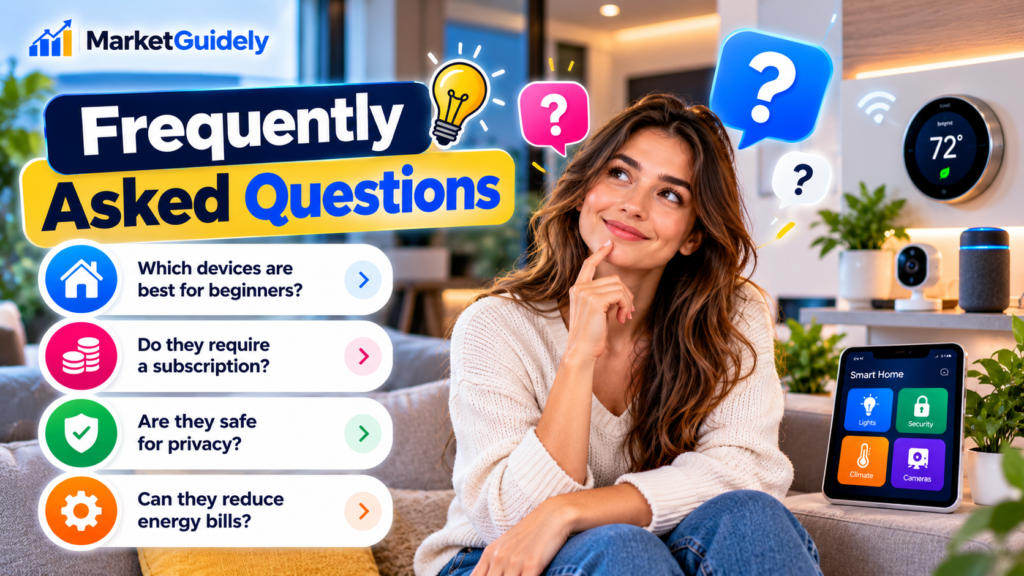
Frequently Asked Questions
What are AI smart home devices?
They are connected household products that use AI or machine-learning features to interpret information, respond to requests, recognize patterns or assist with automation. Capabilities vary by product, and not every smart device uses AI.
Are AI smart home devices worth buying in 2026?
They can be worthwhile when they solve a real household problem and work reliably with your existing equipment. Compare the total cost, compatibility, privacy controls and ongoing support before purchasing.
What is the best smart home device for beginners?
There is no universal best choice. Smart plugs, lighting controls and compatible thermostats can be useful starting points, depending on your home and goals. Choose a device that is easy to configure and addresses a task you perform regularly.
Do AI smart home devices require a subscription?
Some do not require a subscription for basic functions, while others charge for cloud storage, advanced AI features or extended history. Check the current terms for the exact model before buying.
Can smart home devices work without the internet?
Some functions may continue locally, while others depend on cloud services. Offline behavior varies by device and setup. Check the manufacturer’s documentation to determine which controls and automations remain available during an outage.
Are AI smart home devices safe for privacy?
Privacy depends on the product’s design, settings, security and data practices. Review its privacy policy, limit unnecessary permissions, secure your account and understand how recordings and other data are stored.
Can AI smart home devices reduce energy bills?
Some products may help manage heating, cooling or lighting more efficiently. Actual savings depend on usage patterns, local energy rates, installation and the device’s capabilities. Do not assume a specific payback period without calculating your own costs.
Should I replace all my existing smart home devices?
Not necessarily. If your current devices work reliably and meet your needs, replacing them may provide little value. Upgrade when a new product offers a useful improvement, necessary compatibility or a meaningful security benefit.
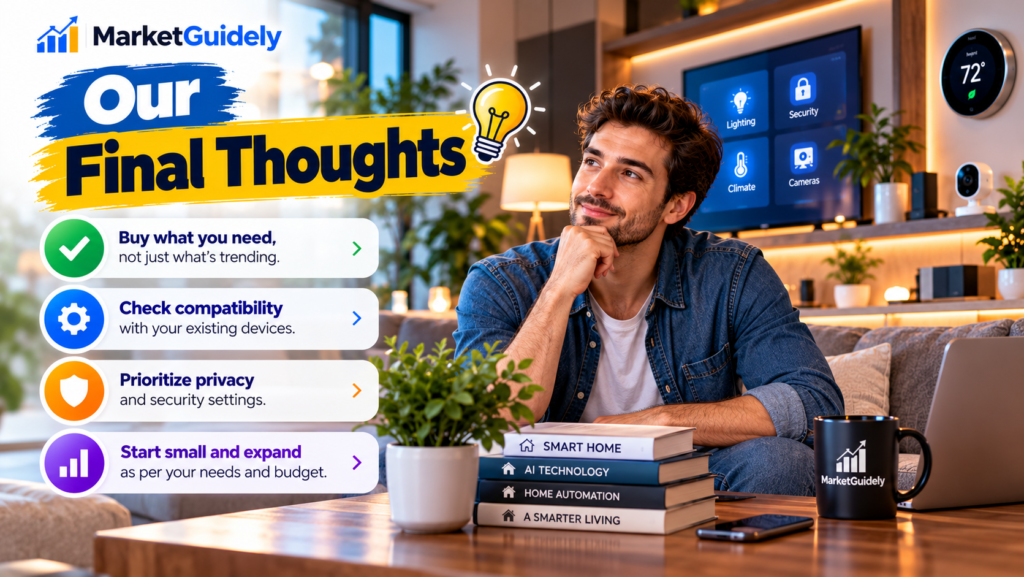
Our Final Thoughts
AI smart home devices can make household technology more convenient, but the smartest purchase is not always the newest or most expensive one.
Start with a specific need, check compatibility with the products you already own, calculate the total ownership cost and review privacy and security settings before connecting a device to your home.
Build your system gradually. Test each product, learn which features you actually use and avoid paying for advanced capabilities that do not improve your daily routine.
The goal is not to fill your home with connected gadgets. It is to create a reliable, secure and useful setup that makes everyday life easier.
Sources and Further Reading
- Apple — Official website and product announcements
- CISA — Secure Our World cybersecurity guidance
- Federal Trade Commission — Consumer advice
Last updated: October 15, 2026.
Author

marketguidely@gmail.com
Related Posts

Why Is My Windows 11 Laptop So Slow? 10 Fixes
- 0
- 2,131 words
A slow laptop can turn even simple tasks into a frustrating experience. Windows may take too long to start, apps might freeze...
How to Fix Wi-Fi Keeps Disconnecting in Windows 11
- 1
- 2,246 words
When Windows 11 WiFi keeps disconnecting, even a simple task such as joining a video meeting, downloading a file, or watching a...
How to Fix Windows 11 Bluetooth Not Working: 10 Fixes
- 1
- 2,459 words
Windows 11 Bluetooth not working can prevent you from connecting wireless headphones, keyboards, mice, and other accessories to your PC. The problem...

The Best Wireless Earbuds Under ₹2000
- 0
- 1,839 word
Wireless Earbuds Under ₹2000 Spending ₹2000 on wireless earbuds in India used to mean accepting tinny sound, flimsy plastic, and a battery...
Read out all
Things to Check Before Buying a Laptop: 10 Smart Tips for a Better Buy in 2026
- 0
- 3,077 words
Buying a used laptop can feel like a shortcut until you realize the “deal” comes with a dying battery, a warped hinge,...
Read out all
Things to Check Before Buying a Gaming PC: 10 Smart Tips for a Better Buy in 2026
- 0
- 3,019 words
Buying a gaming PC can feel simple until you start comparing specs and realize half the numbers only matter in the right...
Read out all