
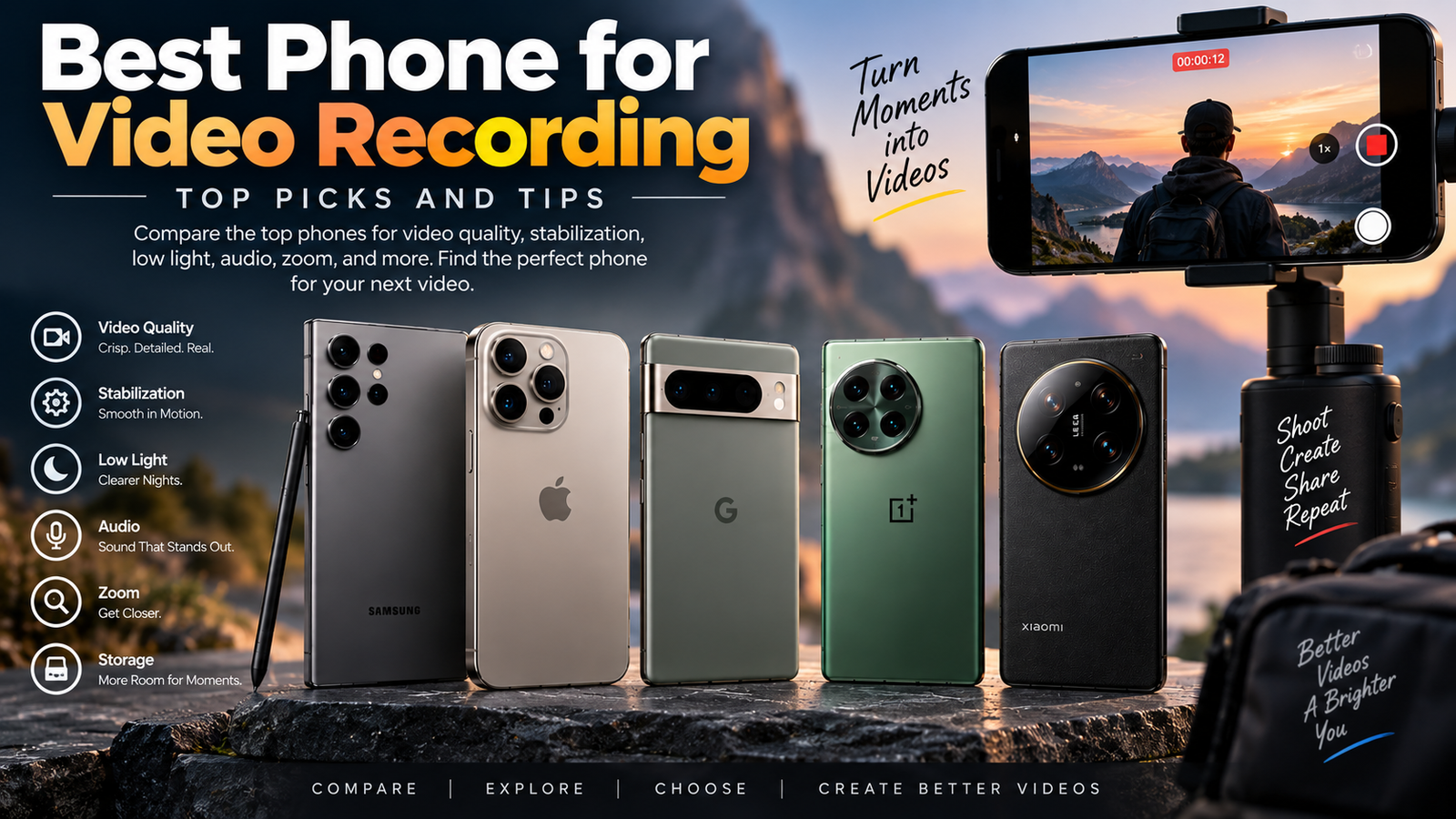
If you want the best phone for video recording, you quickly run into a messy truth: almost every flagship can shoot sharp clips, but only a few make video feel easy in real life. The right choice depends on whether you care more about steady walking shots, zoom, low light, clean audio, or just hitting record and getting something you can post without editing headaches.
Table of Contents
How we picked these phones
For this roundup, video quality mattered more than camera hype. The phones here had to do well where it actually counts: stabilization when you’re moving, autofocus that doesn’t wander, colors that look natural, decent low-light performance, usable audio, enough storage for big files, and a layout that feels comfortable when you’re filming for more than a few minutes.
That last part gets overlooked all the time. A phone can have a killer spec sheet and still feel awkward in your hand once you start recording from eye level on a crowded street or while holding it over a kitchen counter. The best phones for video make filming feel boring in the best possible way, because the footage just comes out right.
iPhone 17 pro max – best overall phone for video recording
The iPhone 17 Pro Max is the safest pick if you want excellent video without babysitting settings. It does the little things well, and those little things add up fast: steady footage, consistent color, reliable autofocus, and strong front and rear cameras that behave the same way from one clip to the next.
Key features
Apple still sets the pace for phones that behave like real video tools. The iPhone 17 Pro Max gives you strong stabilization for handheld shooting, a polished Cinematic mode for shallow-depth clips, and ProRes-style recording support for anyone who wants more room to edit later. Color stays pleasing without looking overly processed, and motion usually looks smoother than it does on most Android phones, especially in fast pans or walking shots.
The front camera matters more than people admit, too. If you film yourself often, the selfie video looks clean and dependable, with skin tones that usually land in a natural place instead of going orange or gray. The rear cameras are just as confident, and that consistency is the whole point. You do not have to think much. You point, record, and move on.
Pros and cons – phone for video recording
The biggest win is trust. You can hand this phone to almost anyone and get good footage immediately. It is also one of the best phones for mixed use, since you are not just buying a video machine, you are buying a top-tier everyday phone that happens to shoot excellent video.
The downside is simple: it costs a lot, and some of its best video features are overkill if you mostly record clips for social media or family moments. It is also a large phone, which means one-handed filming can feel a little clumsy after a while. Great video tool. Not exactly pocket-friendly in the old sense.
Pricing
This sits in the premium tier, and there is no pretending otherwise. You are paying for the top-end camera hardware, the smooth software behavior, and the long list of video features that work without much fuss. If video matters to you every week, not once a month, the price makes sense faster than you expect.
Verdict phone for video recording
Choose the iPhone 17 Pro Max if you want the most dependable all-around phone for video recording. It earns the top spot because it combines quality, ease, and consistency better than anything else here, and that matters more than spec-sheet bragging rights.
Samsung galaxy s26 ultra – best android phone for video recording
If you want Android and you care about serious video, the Samsung Galaxy S26 Ultra is the obvious heavyweight. It gives you a lot of room to play, especially with zoom and shooting flexibility, and it is built for people who like having options.
Key features
Samsung’s strongest card is versatility. You get multiple video resolution options, excellent zoom reach, and a camera system that can handle a wide range of framing choices without making you run across the room. Stabilization is strong enough for everyday walking clips, and autofocus is quick enough to keep up with moving subjects most of the time, which is a big deal if you shoot kids, pets, events, or street scenes.
It also gives you more control than many phones in this class. If you like tweaking settings and adjusting how footage looks, Samsung usually feels more open than Apple. That flexibility is useful, though honestly, most people will only touch a small part of it. Still, it is nice to have when you need it.
Pros and cons – phone for video recording
The biggest strength is zoom. Being able to punch in without everything turning mushy is a genuine advantage, especially if you film concerts, travel clips, or anything where you cannot physically move closer. The display is also excellent for framing shots on the fly, which sounds minor until you spend a week filming with a mediocre screen.
The catch is that Samsung’s video can sometimes look a little more processed than Apple’s, especially if you are picky about skin tones or natural motion. It is also a very large, expensive phone, so it is not exactly subtle. Great for serious Android users, less ideal if you just want something simple and light.
Pricing
This is priced like a top flagship, because that is exactly what it is. You are paying for the camera system, the zoom hardware, and the feature depth. If you want the best Android phone for video recording, you are not shopping in bargain territory.
Verdict phone for video recording
Go with the Galaxy S26 Ultra if you want the best Android option for video and care a lot about zoom, flexibility, and all-around camera power. It is the one to beat on Android, even if it is not always the prettiest footage straight out of the camera app.
Google pixel 10 pro / pro XL – best for easy, polished video
The Pixel 10 Pro and Pro XL are the phones you pick when you want video that looks good fast. They are not the most manual, not the most feature-packed, and not the most intimidating. That is exactly the point.
Key features
Google’s strength has always been processing, and that carries over to video. Colors look clean, skin tones usually feel believable, and stabilization does a solid job of smoothing out everyday handheld movement. The phones are also good at handling mixed lighting, which is where a lot of casual video falls apart. Standing by a window, walking past a bright storefront, or filming in a dim restaurant, the Pixel tends to keep the image pleasant without making you adjust much.
The AI-assisted side of the Pixel experience is less about flashy tricks and more about making the phone feel smarter in the background. It quietly helps you get clips that look finished rather than raw. That may sound boring, but boring is often what you want when the result is better footage with less work.
Pros and cons – phone for video recording
The main win is how little effort it takes to get something usable. If you do not want to fiddle with settings or think about frame profiles, this is a strong choice. The video output also looks polished in a way that makes everyday clips feel more intentional than accidental.
The downside is that advanced shooters may want more control. If you like manual tweaking, codec choices, or a more cinematic workflow, the Pixel can feel a little too guided. It is also not the first choice for zoom-heavy shooting, since Samsung and some Chinese flagships give you more reach and more lens flexibility.
Pricing
The Pro and Pro XL sit in the premium range, though usually not at the very top of the pile. The smaller Pro is the easier buy if you want the Pixel video style without carrying a giant phone. The XL makes sense if you want a bigger screen for framing and reviewing clips. Same basic idea, different hand feel.
Verdict phone for video recording
Pick the Pixel 10 Pro or Pro XL if you want video that looks polished with almost no effort. It is the best choice for people who value simplicity, natural color, and a camera app that stays out of the way.
Vivo x300 ultra – best for advanced video quality
The Vivo X300 Ultra is the phone for people who care about camera hardware first and convenience second. It is the sort of device that makes photography and video enthusiasts pause, because it offers a more ambitious camera setup than most mainstream flagships.
Key features
Vivo tends to go hard on hardware, and that usually pays off in video detail and zoom performance. The X300 Ultra is built for users who want more flexibility from the lens system and more bite in the footage itself. If you like the idea of a phone that can handle detailed close-ups, longer-range shots, and more controlled video capture, this one stands out immediately.
Stabilization is strong enough for handheld work, but the bigger draw is the overall imaging potential. You get a more enthusiast-focused feel here, the kind that makes you think about framing, light, and lens choice instead of just tapping record. That can be exciting. It can also be a little much if you just want quick clips of dinner, a dog, and a weekend trip.
Pros and cons – phone for video recording
The upside is obvious: this is one of the most serious camera phones on the list. It has the kind of hardware that can produce impressive footage when you know how to use it, and the zoom and detail advantages are real, not just marketing fluff.
The downside is that it is not the most approachable option. The phone makes more sense if you are already interested in camera tech or want a device that rewards a little extra attention. For casual users, some of that power will sit unused. That is not a flaw, exactly, but it does affect value.
Pricing
Expect premium pricing. Phones like this do not try to be cheap, and the camera hardware is a big reason why. If video quality is a hobby, a side hustle, or part of your content workflow, the cost can be easier to justify. If not, you may be paying for more camera than you need.
Verdict phone for video recording
Choose the Vivo X300 Ultra if you want advanced video quality and you enjoy a more enthusiast-style camera experience. It is not the simplest pick, but it is one of the most interesting for people who care deeply about the image.
Oppo find x9 ultra – best for versatile zoom video
The Oppo Find X9 Ultra is a strong fit if you like having framing options without walking around like a film crew of one. Its zoom system is the main reason to care, but the rest of the video experience holds up well enough to make it more than a one-trick phone.
Key features
Oppo’s zoom work is the headline here. Telephoto video is useful for all sorts of everyday moments, from stage performances to travel shots to candid clips where you do not want to shove the camera in someone’s face. The Find X9 Ultra keeps that zoom footage more usable than cheaper phones do, and stabilization across lenses helps the footage feel less jumpy when you switch views.
Color consistency matters a lot on a phone like this, and Oppo generally aims to keep different lenses from looking wildly different. That might sound minor, but it is the difference between a clip that feels smooth and one that looks like it was stitched together by three different phones.
Pros and cons – phone for video recording
The biggest advantage is obvious: you can frame shots from farther away without wrecking quality. For travel, events, and casual content creation, that kind of flexibility is genuinely useful. The phone also gives you a premium-feeling video package overall, not just one standout lens.
The weak point is that zoom-first phones can tempt you into using the telephoto lens when the main camera would have been cleaner or easier. That is not the phone’s fault, but it is a real habit problem. Also, like many ultra-premium models, pricing is high enough to make you think twice unless zoom is something you truly use.
Pricing
The Find X9 Ultra lives in flagship territory. You are paying for a highly capable camera system, and the telephoto hardware is part of the bill. If zoom is one of your top priorities, the value improves quickly. If you never zoom, the pitch gets weaker.
Verdict phone for video recording
Go for the Oppo Find X9 Ultra if you want the most versatile zoom experience in this roundup. It is especially good for people who shoot travel, events, and scenes where moving physically is not practical.
Xiaomi 17T pro – best premium value phone for video
The Xiaomi 17T Pro is the smart pick if you want a phone that feels premium in video without pushing all the way into the most expensive tier. It gives you a lot of the good stuff and trims some of the luxury tax.
Key features
Xiaomi usually packs a lot into its “T” series, and the 17T Pro follows that playbook. You get strong video resolution options, good stabilization, capable autofocus, and sensor hardware that should be more than enough for everyday filming and content creation. Creator-friendly extras are part of the appeal too, especially if you like a phone that offers more than the bare basics.
The nice thing about this class of phone is that it often feels close to flagship behavior without asking flagship money. Video looks sharp, movement stays controlled, and the camera app usually gives you enough flexibility to shoot comfortably in different situations.
Pros and cons – phone for video recording
The biggest pro is value. You get a lot of video capability for the price, and that makes it one of the easier premium phones to recommend. It is also a good fit if you want something more serious than a budget device but do not need the absolute best zoom or the most polished software.
The trade-off is that it usually does not beat the most expensive phones in every category. The final image may not look quite as refined as an iPhone or Pixel, and software polish can vary by region. That is the kind of thing you notice most if you switch phones often or care about tiny differences.
Pricing
This is where the 17T Pro shines. It aims for premium performance without fully crossing into ultra-premium pricing, which makes the value story easy to understand. For a lot of buyers, that middle ground is exactly where the sweet spot lives.
Verdict
Pick the Xiaomi 17T Pro if you want the best premium value phone for video recording. It is the practical choice for someone who wants strong video hardware without paying for every last extra feature.
Apple iPhone 17 – best affordable iPhone for video
The regular iPhone 17 is the better buy for a lot of people who still want Apple’s video strengths but do not need the Pro-level extras. It keeps the important stuff intact and drops some of the pricier hardware you may never use anyway.
Key features
You still get the Apple video experience that matters most: reliable stabilization, consistent autofocus, natural skin tones, and a camera app that stays simple. For everyday recording, that is a strong mix. The footage looks clean, the phone behaves predictably, and you do not spend half your time wondering why the image suddenly changed color when you moved from indoors to outside.
It is also an easier phone to carry and use one-handed than the Pro Max. That matters more than most spec sheets admit. A smaller phone is just easier to film with when you are on the move, and that can make the whole experience feel less like a chore.
Pros and cons – phone for video recording
The biggest upside is that you get strong video quality without paying for the Pro tier. It is a very sensible Apple pick if your video needs are real but not extreme. You are also getting the same general reliability that makes iPhones so popular for content and family clips.
The downside is obvious too: it does not have the full Pro camera feature set, so advanced users will hit limits sooner. You lose some of the flexibility and some of the specialized hardware that make the Pro models so appealing. Still, for many people, those missing pieces are nice-to-haves, not deal-breakers.
Pricing
This sits below the Pro models and makes more sense if you want good video without maxing out your budget. It is the Apple phone that feels easiest to justify when video matters, but not enough to warrant the top-tier model.
Verdict phone for video recording
Choose the iPhone 17 if you want an affordable iPhone for video recording that still feels polished and easy. It is the simpler, smarter Apple buy for most everyday shooters.
OnePlus 13 – best affordable android phone for video
The OnePlus 13 is a strong value play if you want fast Android hardware and respectable video quality without paying flagship top dollar. It is not the most famous video phone, but it earns its place by being surprisingly capable for the money.
Key features
OnePlus usually brings a clean, fast software experience, and that helps when you are switching into the camera app quickly and recording on the fly. Video stabilization is solid, sharpness is good enough for most everyday use, and autofocus tends to behave well in normal lighting. Manual controls are also part of the appeal if you like having a little more say over your clips.
The phone feels quick, which sounds obvious until you use a slower device that lags while opening the camera or switching lenses. That kind of friction ruins spontaneous shots. OnePlus does a nice job of keeping the workflow smooth.
Pros and cons – phone for video recording
The main win is that you get a lot of phone for the price. It is fast, comfortable to use, and capable enough for social clips, travel video, and day-to-day recording. For many people, that is all that matters.
The downside is that it usually does not outclass the top camera phones in consistency, especially in tricky lighting. You may also notice that some of the fancy camera magic is less refined than what you get from Apple, Google, or Samsung. Good. Not unbeatable.
Pricing
This is one of the more attractive ways to get serious Android video on a tighter budget. You are not buying a bargain-bin device, but you are also not paying ultra-flagship prices. That balance is the entire pitch.
Verdict phone for video recording
Go with the OnePlus 13 if you want an affordable Android phone for video that still feels fast and capable. It is a sensible pick when you want good results without paying for camera prestige.
Google pixel 8 pro – best older flagship for video on a budget
The Pixel 8 Pro is proof that last year’s flagship can still be a smart buy when prices drop. You lose some newer hardware, but the video experience remains strong enough that many people will not care.
Key features
You still get Google’s clean processing, dependable stabilization, and especially good low-light handling for the money. The Pixel style is part of the appeal here. Clips tend to look balanced and ready to share, with little effort on your side. That makes it a great option if you want something older but not outdated.
The software help matters too. Even after newer phones land, the Pixel 8 Pro can still make everyday filming feel easy. It is a nice example of how good software can keep hardware relevant longer than people expect.
Pros and cons – phone for video recording
The upside is obvious: lower price, strong camera processing, and a video look that still holds up. It is one of the easiest ways to get near-flagship video without spending like a flagship buyer.
The trade-off is that it is not the newest toy in the box. Battery health, software support timeline, and raw camera hardware are all factors you need to think about when buying older hardware. Still, if the discount is meaningful, this phone makes a lot of sense.
Pricing
Once the price drops, the Pixel 8 Pro becomes a very attractive value option. It lives in that sweet spot where you can get excellent video without the emotional pain of paying launch pricing.
Verdict phone for video recording
Choose the Pixel 8 Pro if you want strong video on a budget and are happy buying a previous-generation flagship. It is one of the best ways to save money without giving up the core Pixel strengths.
iPhone SE – best simple budget phone for casual video
The iPhone SE is not trying to be a content creator’s dream machine. It is trying to be simple, dependable, and cheap enough that you do not worry about it too much. For casual video, that can be exactly the right move.
Key features
The appeal here is straightforward. You get familiar iPhone video behavior, easy handling, and the kind of point-and-shoot recording that does not require a manual. The footage is usually consistent, the colors are easy to live with, and the phone is small enough that it feels natural to carry everywhere.
That small size matters more than it gets credit for. If you are filming kids at the park, quick family moments, or a short clip for a group chat, the iPhone SE gets out of the way. It is not impressive in a flashy sense, but it is very usable.
Pros and cons – phone for video recording
The best thing about the SE is that it is simple. You do not need to learn much, and you do not need to spend much. It also fits nicely as a backup phone or a first phone for someone who just wants decent video without complexity.
The obvious downside is that it leaves a lot out. You do not get the extra camera hardware, advanced video features, or the kind of polish found on the higher-end iPhones. If you care deeply about video, this is not your endgame. If you just want good-enough clips without fuss, it still works.
Pricing
This is the budget end of the list, and that is the whole point. It gives you the Apple video experience at a much lower entry price, which makes it appealing for casual use or as a secondary device.
Verdict phone for video recording
Pick the iPhone SE if your video needs are basic and you want the simplest possible iPhone for casual recording. It is the easy answer when you care more about comfort and price than features.
Best phones for video recording compared
Comparison table
| Phone | Best for | Video strengths | Price tier |
|---|---|---|---|
| iPhone 17 Pro Max | Best overall | Stabilization, color, consistency | Premium |
| Samsung Galaxy S26 Ultra | Best Android | Zoom, controls, versatility | Premium |
| Google Pixel 10 Pro / Pro XL | Easiest polished video | Color, low light, simplicity | Premium |
| Vivo X300 Ultra | Advanced quality | Detail, zoom, enthusiast hardware | Premium |
| Oppo Find X9 Ultra | Versatile zoom | Telephoto video, lens consistency | Premium |
| Xiaomi 17T Pro | Premium value | Strong specs, good balance | Upper-mid to premium |
| iPhone 17 | Affordable iPhone | Reliable everyday video | Upper-mid |
| OnePlus 13 | Affordable Android | Fast performance, value | Upper-mid |
| Google Pixel 8 Pro | Budget flagship | Clean processing, low-light video | Lower after discount |
| iPhone SE | Casual budget video | Simplicity, easy handling | Budget |
Quick takeaways
If you want the safest overall choice, the iPhone 17 Pro Max is the one to beat. If you live in Android land and want the best video phone, the Galaxy S26 Ultra is the clear pick. If you care more about easy, polished clips than manual control, the Pixel 10 Pro or Pro XL fits beautifully.
The zoom crowd should look hard at the Oppo Find X9 Ultra or Samsung Galaxy S26 Ultra. If budget matters more than bragging rights, the Pixel 8 Pro, iPhone 17, OnePlus 13, and Xiaomi 17T Pro all give you real value without feeling cheap.
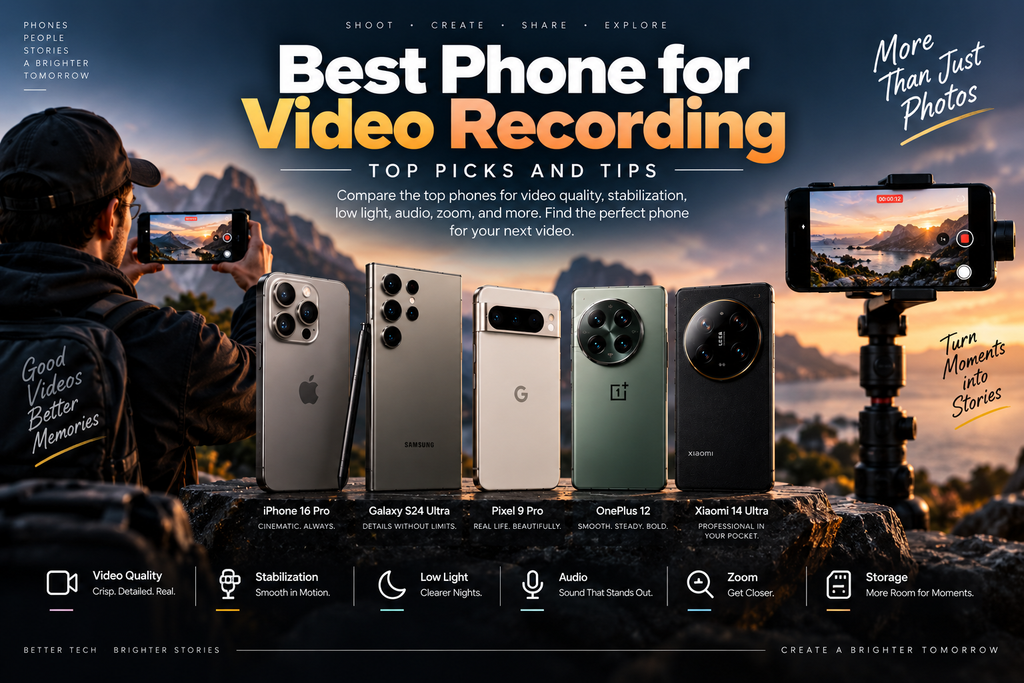
How to choose the best phone for video recording
You can get lost in camera specs fast, so keep the decision grounded in how you actually shoot. The best phone for video recording is not the one with the biggest number. It is the one that matches your habits.
Stabilization
If you walk while filming, stabilization matters a lot. Without it, your footage starts to look like it was shot from a shopping cart. Good stabilization smooths out steps, pans, and small hand movements, which makes casual video look instantly more watchable.
Autofocus and subject tracking
Autofocus is one of those things you only notice when it fails. If you film people, pets, or moving scenes, fast and accurate focus matters more than a few extra megapixels. A phone that keeps your subject sharp while they move is worth a lot.
Low-light performance
Restaurants, evening streets, concerts, and living rooms all expose weak video phones quickly. Good low-light performance means cleaner detail, less noise, and fewer muddy shadows. If you shoot indoors often, this should be high on your list.
Audio quality
A nice picture with awful sound still feels amateur. Built-in microphones can be enough for everyday clips, but better audio makes your footage feel much more finished. If you record interviews, voice notes, or event clips, do not ignore this.
Storage and recording formats
Video files eat storage fast, especially at 4K or higher frame rates. ProRes and log recording can be great for editing, but they also create huge files and need more post-production work. If you want simplicity, standard recording formats are easier to live with.
Zoom and lens flexibility
A good telephoto lens is useful when you cannot get closer. It helps with concerts, travel, candid shots, and anything where moving would ruin the moment. Still, for most everyday clips, the main camera matters more than the zoom lens.
Tips to get better video from any phone
A great phone helps, but small habits matter too. A few simple tweaks can make average footage look a lot better, and you do not need special gear to see the difference.
Clean your lens before recording
A smudged lens can turn a sharp clip into a hazy mess. Wipe it off before you shoot, especially if the phone has spent time in a pocket, bag, or kitchen counter. It takes five seconds and fixes more problems than you would expect.
Use the right light
Good light makes a bigger difference than most camera upgrades. Daylight near a window usually looks better than a dim lamp in the corner. If you are filming at night, move closer to a light source instead of hoping the phone can magically invent detail.
Lock exposure and focus when needed
If your subject keeps moving or the lighting is shifting, lock focus and exposure so the phone stops hunting around. Otherwise, you get that annoying breathing effect where the image keeps changing brightness mid-shot. A simple tap can save the clip.
Hold the phone like you mean it
Use two hands when you can, keep your elbows close, and move slowly instead of whipping the phone around. If you are walking through a park or filming in a busy kitchen, smoother movement matters more than perfect camera specs. The footage will look calmer immediately.
Save space before you shoot
Nothing kills momentum like a storage full alert in the middle of a good moment. Clear space, back up old clips, and avoid leaving the phone packed with files you forgot about three vacations ago. Video is greedy. Plan for it.
The best choice depends on how you actually film
If you want the simplest answer, start with the iPhone 17 Pro Max for the best overall experience, or the Samsung Galaxy S26 Ultra if you want Android and care about zoom. For easier, polished clips, the Pixel 10 Pro family is a smart bet. Pick the phone that fits your shooting style, then clean the lens, hold steady, and record something worth keeping.
I hope you liked this article, if you feel like its helpful please share with your firends and family. MarketGuidely is here to help you anytime
Author

marketguidely@gmail.com
Related Posts
Best AI Home Security Cameras in 2026: What to Know
- 0
- 2,459 words
MarketGuidely Technology Buying Guide Best AI Home Security Cameras in 2026: Features, Costs & Privacy Home security cameras have become more intelligent,...

AI Smart Home Devices in 2026: What to Buy & Avoid
- 0
- 2,455 words
Smart home technology is moving beyond simple voice commands and scheduled routines. Newer devices increasingly use artificial intelligence to interpret requests, connect...

Why Is My Windows 11 Laptop So Slow? 10 Fixes
- 0
- 2,131 words
A slow laptop can turn even simple tasks into a frustrating experience. Windows may take too long to start, apps might freeze...
How to Fix Wi-Fi Keeps Disconnecting in Windows 11
- 1
- 2,246 words
When Windows 11 WiFi keeps disconnecting, even a simple task such as joining a video meeting, downloading a file, or watching a...
How to Fix Windows 11 Bluetooth Not Working: 10 Fixes
- 1
- 2,459 words
Windows 11 Bluetooth not working can prevent you from connecting wireless headphones, keyboards, mice, and other accessories to your PC. The problem...
The Best Wireless Earbuds Under ₹2000
- 0
- 1,839 word
Wireless Earbuds Under ₹2000 Spending ₹2000 on wireless earbuds in India used to mean accepting tinny sound, flimsy plastic, and a battery...
Read out all