
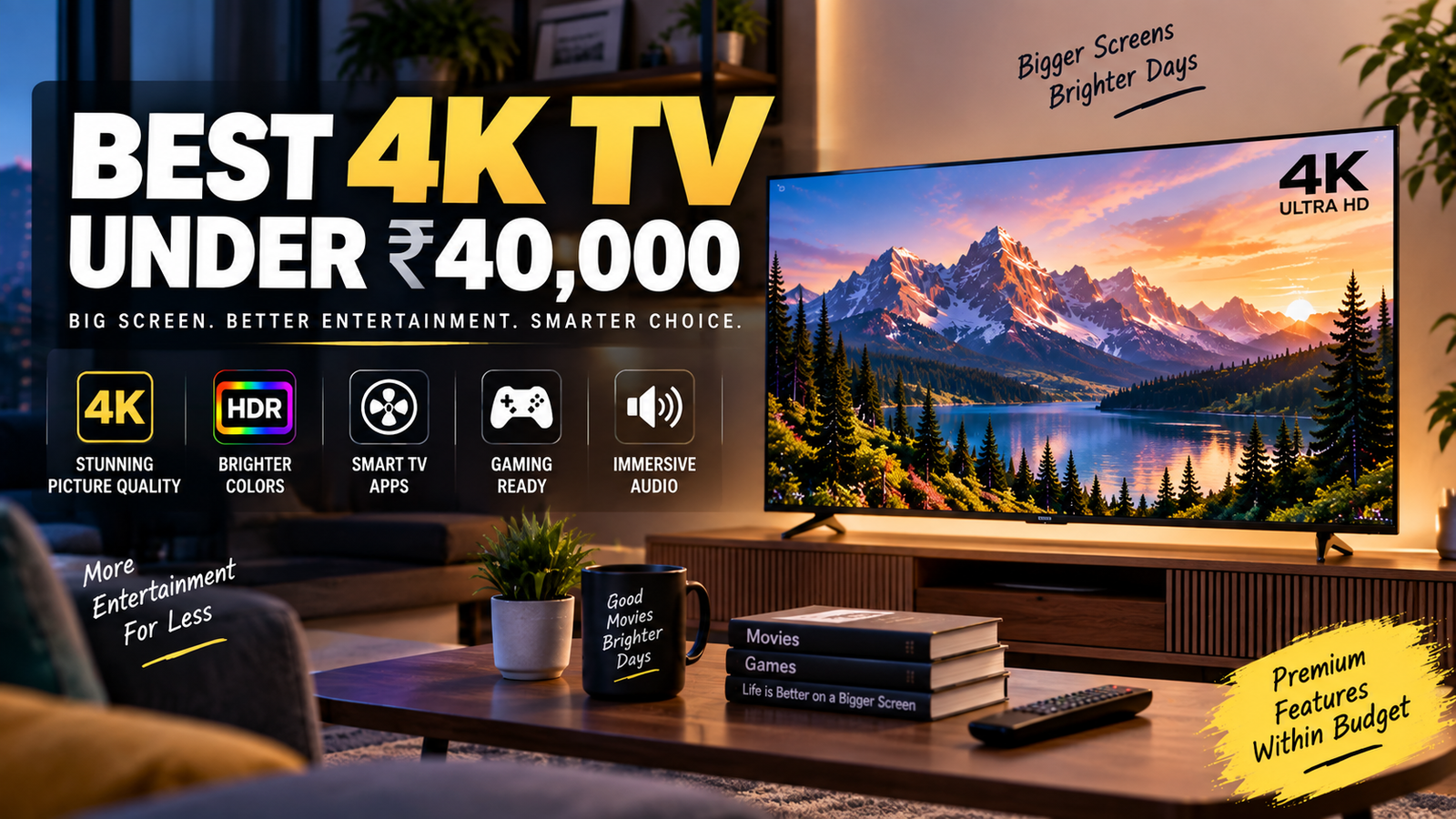
Best 4K TV Under ₹40000, Buying a 4K TV for your living room shouldn’t require a six-figure budget. The Indian market in 2026 has matured to a point where genuinely impressive panels, smart features, and decent audio come packed into sets priced well below ₹40000. Whether you want to binge weekend movies with the lights off or hook up a PS5 for some casual gaming, the options are better than they’ve ever been.
The real challenge isn’t finding a good TV: it’s picking the right one from a crowded field. Screen technology, HDR standards, sound output, and smart OS choices all matter, and the differences between a great buy and a mediocre one often hide in the spec sheet. This guide breaks down the top 4K televisions under ₹40000 by performance, display quality, audio, smart features, and connectivity so you can make a confident decision without second-guessing yourself. I’ve spent weeks comparing panels, reading user feedback, and cross-referencing real-world performance data to narrow the field to models that actually deserve your money.
Table of Contents
Top-Rated 4K TV in the Sub-₹40000 Segment
This price bracket has exploded in recent years. Where you once had to choose between a recognizable brand and a good picture, most 2025-2026 models manage both. Here’s where the strongest contenders fall.
Best Overall Performance Models
The Hisense U6N (50-inch) continues to punch above its weight class. Its Mini LED backlight delivers impressive local dimming for the price, and peak brightness hovers around 600 nits, which is strong for sub-₹40K territory. Color accuracy out of the box is surprisingly good, and it supports both Dolby Vision and HDR10+, so you’re covered regardless of which streaming service you prefer.
The TCL C655 Pro (55-inch) is another standout. TCL has refined its QLED panels over several generations, and the C655 Pro offers wide color gamut coverage with a 60Hz VA panel that handles dark scenes well. If you prioritize screen size over refresh rate, this one gives you a lot of real estate for around ₹35,000 during sales.
Top Budget-Friendly QLED Options
QLED panels at this price point are no longer a gimmick. The Samsung Crystal Vision 4K (50-inch, 2025 model) sits comfortably around ₹33,000-₹36,000 and delivers Samsung’s signature vibrant color tuning. It won’t match a true quantum dot flagship, but for movie nights and sports, the picture pops.
The Vu GloLED (55-inch) deserves a mention too. It combines a QLED-like wide color gamut with a bright panel (around 500 nits peak) and aggressive pricing that often dips below ₹30,000. For buyers who want the biggest screen possible without sacrificing color quality, it’s a strong pick.
Reliable Name-Brand Alternatives
Sony’s X70L (43-inch) still holds up as a no-nonsense option. You’re paying partly for Sony’s image processing, which handles upscaling of 1080p content better than most competitors at this price. LG’s UR7500 series (50-inch) runs WebOS and offers a clean, responsive interface with reliable build quality. Neither will wow you with peak brightness, but both deliver consistent, natural-looking images that hold up over years of use.
Essential Display Features for Cinematic Clarity
A 4K resolution label alone tells you almost nothing about picture quality. The real differences come down to HDR support and panel type, and these two factors shape your viewing experience more than any other spec.
Understanding HDR10+ and Dolby Vision Support
HDR10+ and Dolby Vision are dynamic HDR formats, meaning they adjust brightness and contrast on a scene-by-scene (or even frame-by-frame) basis. Standard HDR10 applies a single brightness curve to the entire movie, which works fine but can’t adapt to scenes that jump between dark interiors and bright exteriors.
Dolby Vision is the more widely supported format on streaming platforms like Netflix and Apple TV+. HDR10+ is Samsung’s preferred standard and shows up on Amazon Prime Video content. Ideally, you want a TV that handles both. At this price, the Hisense U6N and TCL C655 Pro both support dual formats, while Samsung sets typically stick to HDR10+ only. If you’re a Netflix household, prioritize Dolby Vision support.
Panel Types: IPS vs. VA for Home Viewing
VA panels offer deeper blacks and higher contrast ratios, typically around 4000:1 or better. They’re the better choice for dedicated movie watching in a dimmed room. The trade-off is narrower viewing angles: colors wash out if you’re sitting far off-center.
IPS panels flip those strengths. Viewing angles stay consistent across a wider arc, making them better for large living rooms where people sit at different positions. But black levels suffer, and in dark scenes you’ll notice a grayish tint instead of true black. For a home cinema setup where you control the seating arrangement, VA panels win. For a family room where everyone’s scattered, IPS makes more sense.
Audio Performance and External Sound Integration
TV speakers have improved, but they still can’t match even a basic soundbar. That said, some built-in audio setups are genuinely usable for casual viewing, and the right connectivity options make upgrading painless later.
Built-in Speaker Wattage and Dolby Atmos
Most 4K TVs in this range pack 20W to 30W speaker systems. The Vu GloLED pushes 40W with a built-in subwoofer, which is unusual and actually noticeable during action sequences. Dolby Atmos support has trickled down to this price segment on select models from Hisense, TCL, and Vu, though the spatial effect from downward-firing TV speakers is modest at best.
If you’re not planning to buy a soundbar immediately, look for TVs with at least 24W output and Dolby Atmos decoding. The Atmos processing does add a sense of width to the sound even through basic speakers, and it means you’re future-proofed when you eventually add external audio.
HDMI ARC/eARC for Soundbar Connectivity
ARC (Audio Return Channel) sends audio from the TV to a soundbar through a single HDMI cable. eARC is the upgraded version that supports lossless audio formats like Dolby TrueHD and DTS-HD Master Audio. If you own or plan to buy a mid-range soundbar, eARC matters.
Most TVs under ₹40000 include at least one HDMI ARC port. eARC is less common but shows up on the Hisense U6N and select TCL models. If your soundbar supports eARC, make sure the TV does too: otherwise you’ll be limited to compressed Dolby Digital, which is a noticeable step down in quality. Check the spec sheet carefully, because manufacturers sometimes list “ARC” on the box while burying the eARC detail in the manual.
Smart TV Ecosystems and App Compatibility
The operating system running your TV affects your daily experience more than you might expect. A sluggish interface or missing app can turn an otherwise great TV into a frustrating one.
Google TV vs. WebOS vs. Fire OS
Google TV (found on TCL, Hisense, and Sony models) offers the widest app library and tight integration with Google Assistant, Chromecast, and your Android phone. Content recommendations are personalized, and sideloading apps is straightforward if you need something outside the Play Store.
LG’s WebOS is clean and fast, with a horizontal launcher that’s intuitive once you’re used to it. The app selection is slightly narrower than Google TV, but all major streaming services are present. Fire OS (on some Vu and Xiaomi models) is Amazon-centric: great if you’re a Prime subscriber, but the interface pushes Amazon content aggressively, which can feel cluttered.
My honest recommendation: Google TV offers the most flexibility for most households. WebOS is a close second if you value simplicity. Fire OS works fine but feels like a storefront first and a TV interface second.
Processor Speed and Interface Fluidity
A quad-core processor with at least 2GB of RAM is the baseline for smooth navigation in 2026. Anything less and you’ll notice lag when switching between apps or scrolling through content libraries. The Hisense U6N runs a MediaTek MT9612 chip that handles multitasking well, while Samsung’s Crystal 4K series uses its own Crystal Processor that keeps the Tizen-based interface responsive.
Don’t overlook this spec. A beautiful panel paired with a slow processor means you’ll spend 10 seconds waiting for Netflix to load every single time, and that frustration adds up fast.
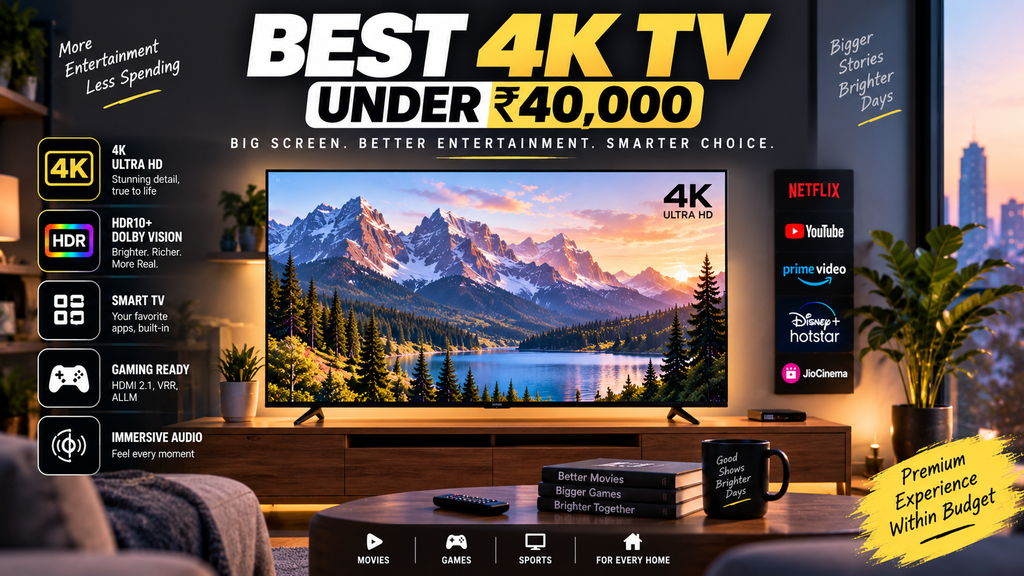
Connectivity and Gaming Capabilities-Best 4K TV Under ₹40000
A TV is only as useful as what you can plug into it. Port selection and gaming-specific features separate a versatile set from one that’ll leave you hunting for adapters.
Most models in this range offer three HDMI 2.0 ports and two USB ports, which covers a streaming stick, a gaming console, and a set-top box simultaneously. Wi-Fi 5 is standard, though a few 2026 models have started including Wi-Fi 6 for more stable streaming over wireless. If your router supports it, the faster connection reduces buffering during 4K streams, especially in congested apartment buildings where dozens of networks compete for bandwidth.
Auto Low Latency Mode (ALLM) for Gamers
ALLM automatically switches the TV into its lowest-latency picture mode when it detects a gaming console. Without it, you’d need to manually toggle “Game Mode” every time you pick up a controller, and forget to switch back when you start a movie.
Most 4K TVs under ₹40000 support ALLM, but few offer HDMI 2.1 or variable refresh rate (VRR) at this price. That means you’re capped at 4K/60fps for console gaming, which is perfectly fine for most PS5 and Xbox Series X titles that target 60fps anyway. If you’re a competitive gamer chasing 120fps, you’ll need to spend more. For everyone else, ALLM plus a low input lag (under 15ms in Game Mode) is more than enough for a satisfying experience.
| Where to place | Anchor text | External resource |
|---|---|---|
| 4K explanation | 4K resolution | Sony 4K TV information |
| HDR section | HDR10 and Dolby Vision | Sony HDR specifications |
| Gaming section | HDMI 2.1 | LG HDMI 2.1 and 4K gaming information |
| Gaming section | VRR and ALLM | Sony HDMI 2.1 features |
| 120Hz section | 4K 120Hz | Sony 4K 120Hz specifications |
Final Verdict: Choosing the Right TV for Your Space – Best 4K TV Under ₹40000
Finding the best 4K TV under ₹40000 comes down to knowing what matters most in your specific room and usage pattern. If you watch movies in a darkened room, prioritize a VA panel with strong HDR support: the Hisense U6N is hard to beat here. If screen size is king and you want the biggest display for the money, the TCL C655 Pro or Vu GloLED at 55 inches deliver serious value. Brand loyalists who want proven reliability and strong upscaling can’t go wrong with Sony’s X70L or LG’s UR7500, even if they sacrifice a few inches of screen.
Don’t overthink the smart OS decision: Google TV works for most people, and you can always plug in a streaming stick later if preferences change. Do pay attention to HDMI ARC/eARC if a soundbar is in your future, and check that the processor can keep the interface from lagging.
The Indian TV market rewards patient shoppers. Prices on these models fluctuate by ₹3,000-₹5,000 during major sales on Flipkart and Amazon, so set price alerts and buy when the numbers dip. Your living room deserves a great picture, and in 2026, you genuinely don’t have to overspend to get one.
I hope this article is helpful for you, please share it on social media and MarketGuidely provides quality and informative and problem solving article/solution, Thank You
Author

marketguidely@gmail.com
Related Posts

Best Laptop for Computer Science Students in 2026
- 0
- 2,108 words
Find the best laptop for computer science students in 2026, with recommendations for programming, ML, Docker, virtualization, and everyday coursework. Picking the...
Read out all
The Best Gaming Monitors for the PS5
- 0
- 1,926 word
Best Gaming Monitors for the PS5, The PS5 has been out for several years now, and Sony’s console still delivers some of...
Read out all
Best Phone Under ₹25000 in 2026: Top Picks
- 0
- 4,557 words
Shopping for the best phone under ₹25000 in 2026 is a lot less simple than it looks. The good news is that...
Read out all
Best Phone Under ₹30000 in 2026: Top Picks
- 0
- 2,843 words
A phone under ₹30000 in 2026 is no longer a compromise box you tolerate until your “real” upgrade. It’s the price range...
Read out all
iPhone 18 vs iPhone 17: Complete Comparison & Powerful Differences — Which Is Best?
- 0
- 2,537 words
The iPhone 18 vs iPhone 17 comparison matters because Apple upgrades are rarely equal. Some years give you a noticeable jump in...
Read out all