
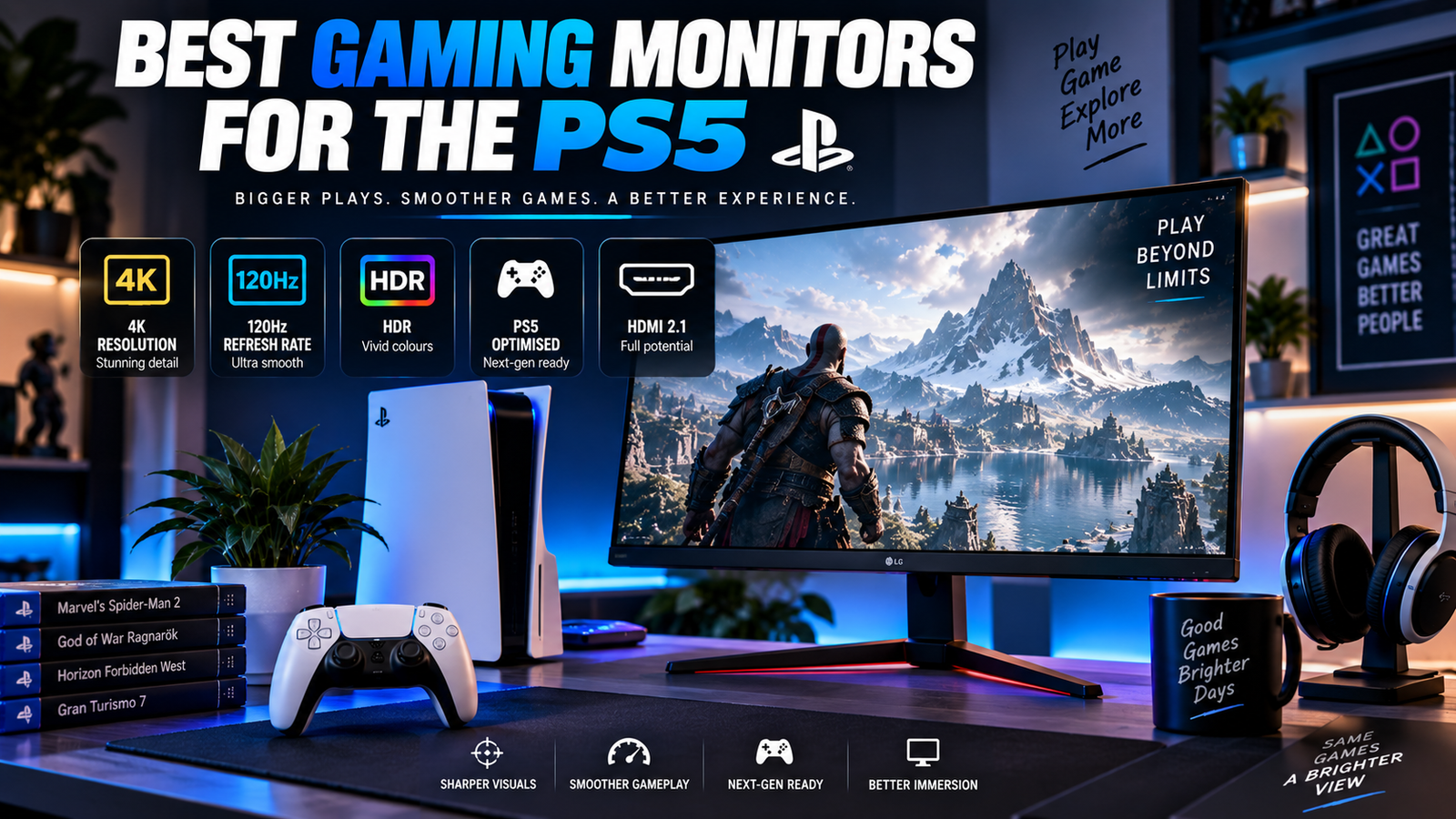
Best Gaming Monitors for the PS5, The PS5 has been out for several years now, and Sony’s console still delivers some of the most visually impressive gaming experiences available. But here’s the thing: if you’re playing on a mediocre display, you’re leaving a huge chunk of that visual horsepower on the table. A TV works fine, sure, but a dedicated gaming monitor can give you faster response times, tighter pixel density at closer viewing distances, and features specifically designed for high-performance gaming.
Finding the best gaming monitor for PS5 use isn’t as straightforward as grabbing whatever’s on sale, though. The console has specific hardware requirements that your monitor needs to match, and getting those wrong means you’ll miss out on features you’re paying for. Whether you’re after buttery-smooth 4K at 120fps or a solid 1440p experience that won’t drain your wallet, the right monitor makes a real difference. Let me break down what actually matters and which displays are worth your money in 2026.
Table of Contents
Essential Features for PS5 Gaming Performance, Best Gaming Monitors for the PS5
The PS5 is a capable machine, but it speaks a specific language when it comes to display output. Not every monitor can keep up with what the console offers, and buying the wrong one means you’ll hit frustrating limitations. Three features matter more than anything else, and skipping any of them will cost you performance.
HDMI 2.1 Compatibility and Bandwidth
This is the single most important spec to check before buying. HDMI 2.1 provides 48 Gbps of bandwidth, which is what the PS5 needs to push 4K at 120Hz with full color depth. Older HDMI 2.0 ports cap out at 18 Gbps, which limits you to either 4K at 60Hz or 1080p at 120Hz: you can’t have both resolution and high refresh rate.
Some monitors advertise HDMI 2.1 but only support a subset of its features. Look for full-bandwidth HDMI 2.1, not the watered-down versions that some manufacturers sneak onto spec sheets. If a monitor only has HDMI 2.0 ports, walk away unless you’re specifically shopping for a budget 1080p or 1440p option and you’re comfortable with 60Hz at that resolution.
Achieving 4K Resolution at 120Hz
The PS5 supports 4K output at both 60Hz and 120Hz, depending on the game. Titles like Fortnite, Call of Duty, and Ratchet & Clank: Rift Apart offer 120fps performance modes, and you need a monitor that can actually display those frames. A 4K/120Hz panel paired with HDMI 2.1 gives you the full experience.
Keep in mind that not every PS5 game runs at 4K/120fps. Many titles offer a choice between a quality mode (4K/30fps or 4K/60fps with ray tracing) and a performance mode (lower resolution at 120fps). A 4K/120Hz monitor lets you switch between these modes without compromise, which is the real advantage.
Variable Refresh Rate (VRR) Support
VRR eliminates screen tearing by syncing the monitor’s refresh rate to the PS5’s frame output in real time. The PS5 supports VRR through HDMI 2.1, and it makes a noticeable difference in games where the frame rate fluctuates. Without VRR, you’ll see horizontal tears across the screen whenever the console’s output doesn’t match the monitor’s fixed refresh rate.
Look for monitors that support HDMI-VRR or AMD FreeSync Premium. Both work with the PS5. G-Sync compatibility can also work in some cases, but HDMI-VRR support is the safest bet for console gaming.
| Where to place | Anchor text | External resource |
|---|---|---|
| Resolution section | PS5 4K resolution | PlayStation PS5 4K resolution guide |
| 120Hz section | 4K 120Hz | PlayStation PS5 video output guide |
| VRR section | VRR | PlayStation VRR guide |
| HDMI section | HDMI 2.1 | PlayStation PS5 FAQ |
| Monitor compatibility section | PS5 gaming monitor | Official PlayStation 27-inch Gaming Monitor |
| 4K/120Hz monitor example | 4K 120Hz gaming monitor | ASUS TUF Gaming 4K monitor specifications |
Display Technology and Visual Quality
Once you’ve confirmed the connectivity basics, the panel type and HDR capabilities determine how your games actually look. This is where personal preference and budget start to play a bigger role.
OLED vs. IPS vs. VA Panels
OLED panels deliver the best image quality, period. Perfect blacks, infinite contrast ratios, and response times under 0.1ms make them the gold standard for gaming. The LG 27-inch and 32-inch OLED monitors released in 2025 and 2026 have made this technology more accessible, though prices still hover around $700-900 for a quality 4K OLED panel.
IPS panels offer excellent color accuracy and wide viewing angles at a lower price. They can’t match OLED’s contrast, and backlight bleed can be noticeable in dark scenes, but a good IPS monitor in the $400-600 range delivers a great PS5 experience. VA panels split the difference with better contrast than IPS (typically 3000:1 or higher) but slower response times and narrower viewing angles. For a PS5 setup where you’re sitting directly in front of the screen, VA’s viewing angle limitation matters less than it would on a shared TV.
HDR Performance and Peak Brightness
The PS5 outputs HDR10 content, and the difference between real HDR and fake HDR is enormous. A monitor needs to hit at least 600 nits of peak brightness to deliver a meaningful HDR experience. Anything below 400 nits with an “HDR compatible” sticker is essentially useless: the highlights won’t pop, and the image can actually look worse than SDR.
OLED monitors handle HDR differently because their per-pixel dimming creates stunning contrast even at lower peak brightness levels (around 800-1000 nits for highlights). Mini-LED backlit monitors can push 1000+ nits across larger areas of the screen, which helps in bright, colorful games. If HDR matters to you, look for VESA DisplayHDR 600 certification at minimum, or DisplayHDR True Black 400 for OLED panels.
Top Recommendations for Every Gamer
Here’s where theory meets reality. These picks reflect what’s actually available and worth buying in 2026, based on real-world PS5 performance rather than just spec sheet numbers.
Best Overall 4K Performance
The LG 32GS95UE remains one of the strongest choices for PS5 gaming. It’s a 32-inch 4K OLED with HDMI 2.1, VRR support, and a 240Hz refresh rate (the PS5 will use 120Hz, but you get headroom for PC gaming too). Response times are essentially instant, HDR performance is excellent thanks to OLED’s per-pixel lighting, and the 32-inch size hits a sweet spot for desk-based gaming.
The Samsung Odyssey G8 (2026 model) is another top contender, offering a 32-inch 4K panel with Mini-LED backlighting and over 1000 nits of peak brightness. It’s slightly cheaper than the LG OLED and handles HDR highlights with more raw brightness, though it can’t match OLED’s black levels.
Best Budget-Friendly 1440p Options
The PS5 added native 1440p output in a firmware update, and this resolution is the sweet spot for budget-conscious gamers. You get noticeably sharper images than 1080p without the premium price tag of 4K panels.
- The Gigabyte M27Q X offers 1440p at 240Hz with HDMI 2.1 for around $300-350, making it one of the best values available
- The ASUS VG27AQ1A provides solid 1440p IPS performance with good HDR support for under $300
- The Dell S2722DGM uses a VA panel with 2560×1440 resolution and strong contrast, typically priced around $250
Any of these will give you a crisp, responsive PS5 gaming experience without breaking the bank. Just confirm the specific model you’re buying has HDMI 2.1 if you want 1440p at 120Hz.
Best Competitive E-Sports Monitors
If you play competitive shooters like Call of Duty, Apex Legends, or Fortnite on PS5, response time and input lag matter more than raw resolution. The PS5 caps at 120fps, so you don’t need a 360Hz panel, but you want the fastest pixel response and lowest input lag possible.
The BenQ ZOWIE XL2546X is built for competitive play. It’s a 1080p/240Hz monitor with DyAc+ (a strobe backlight feature that reduces motion blur), and its input lag is among the lowest measured in any gaming monitor. The ASUS VG259QM is another strong pick at 1080p/280Hz with a 1ms response time. You’re trading resolution for speed here, and for competitive gaming, that trade-off is worth it.
Optimizing Your PS5 System Settings
Buying the right monitor is only half the equation. The PS5 has several display settings that need to be configured correctly, or you’ll leave performance on the table even with a great panel.
Calibrating HDR for Your Specific Display
Go to Settings, then Screen and Video, then Video Output on your PS5. Set HDR to “On” if your monitor supports it. The console will walk you through an HDR calibration wizard that adjusts black levels and peak brightness to match your specific display. Don’t skip this step: the default settings are generic and almost never optimal for your particular monitor.
After running the PS5’s built-in calibration, check individual game settings too. Many PS5 titles have their own HDR sliders for paper white level, peak brightness, and black point. Horizon Forbidden West, for example, has a detailed HDR setup that dramatically improves the image when properly configured. Spend two minutes on this per game and you’ll notice the difference immediately.
Enabling ALLM and Game Mode
Auto Low Latency Mode (ALLM) is a feature where the PS5 tells your monitor to automatically switch to its lowest-latency preset when a game launches. Enable this in the PS5’s Screen and Video settings. Most HDMI 2.1 monitors support ALLM, and it saves you from manually toggling game mode every time you switch between gaming and streaming apps.
On the monitor side, make sure Game Mode or its equivalent is available and active. This typically disables post-processing effects like noise reduction and motion smoothing that add input lag. Some monitors add 20-30ms of latency with these features enabled: that’s the difference between your inputs feeling snappy and feeling sluggish. Check your monitor’s OSD menu and disable any unnecessary image processing.
Final Considerations for Your Setup
Picking the right PS5 monitor comes down to three honest questions: what’s your budget, what games do you play most, and how much do you care about visual fidelity versus raw speed? A $900 4K OLED is objectively the best experience, but a $300 1440p IPS monitor will still look fantastic and feel responsive for most players.
Screen size matters for monitor gaming too. The PS5 outputs the same signal regardless of screen size, but sitting two feet from a 32-inch 4K display gives you roughly 138 pixels per inch, which is noticeably sharper than a 27-inch 1440p panel at about 109 PPI. If your desk can accommodate it, 32 inches is the ideal size for 4K PS5 gaming at typical desk distances.
Don’t overthink the purchase. If a monitor has HDMI 2.1, VRR support, and a panel type you’re happy with, it’ll serve you well. The best gaming monitor for your PS5 is ultimately the one that fits your space, your budget, and the types of games you actually play: not the one with the most impressive spec sheet. Get the basics right, calibrate your settings, and enjoy what the PS5 can actually do.
I hope this article is helpful for you, please share it on social media and MarketGuidely provides quality and informative and problem solving article/solution, Thank You
Author

marketguidely@gmail.com
Related Posts
Best Laptop for Computer Science Students in 2026
- 0
- 2,108 words
Find the best laptop for computer science students in 2026, with recommendations for programming, ML, Docker, virtualization, and everyday coursework. Picking the...
Read out all
Best 4K TV Under ₹40000 for Home Cinema
- 0
- 1,973 word
Best 4K TV Under ₹40000, Buying a 4K TV for your living room shouldn’t require a six-figure budget. The Indian market in...
Read out all
Best Phone Under ₹25000 in 2026: Top Picks
- 0
- 4,557 words
Shopping for the best phone under ₹25000 in 2026 is a lot less simple than it looks. The good news is that...
Read out all
Best Phone Under ₹30000 in 2026: Top Picks
- 0
- 2,843 words
A phone under ₹30000 in 2026 is no longer a compromise box you tolerate until your “real” upgrade. It’s the price range...
Read out all
iPhone 18 vs iPhone 17: Complete Comparison & Powerful Differences — Which Is Best?
- 0
- 2,537 words
The iPhone 18 vs iPhone 17 comparison matters because Apple upgrades are rarely equal. Some years give you a noticeable jump in...
Read out all